Voice-to-text notepad with AI summaries and conversational search
Convert meeting audio or uploaded recordings into searchable transcripts, extract action items with a single tap, and query content via an AI chat assistant. NoteBit: AI Notes Voice Notepad from Appvibe Cloud FZE is an Android utility that combines live transcription, calendar-linked recordings, and cloud backup. It offers rich-text editing, checklists, images and handwriting support, making it suitable for students, journalists, and professionals who manage large volumes of spoken information.
What does NoteBit accomplish when capturing spoken content?
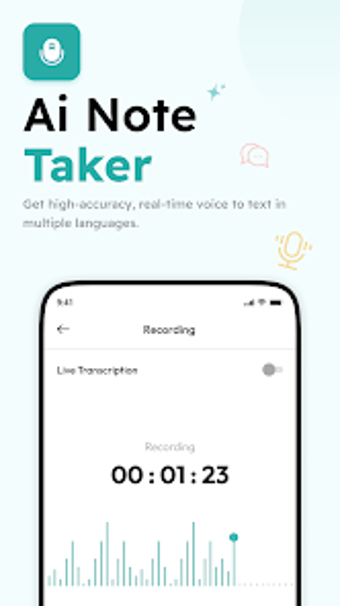
NoteBit records live audio or imports files and uses AI-powered speech recognition to produce searchable text transcripts. Transcription works in real-time and the app provides a one-tap summarization that extracts key points and action items. The app also links notes to calendar events, so recordings and transcripts can be associated directly with scheduled meetings for contextual organisation.
Does NoteBit affect device performance during transcription and editing?
Transcription runs on the device and through AI services, with heavier CPU and network use during live recognition and summarization. In addition, rich-text editing with images or handwriting increases local storage and processing load. Users with mid-range Android devices should expect background activity during long recordings; shorter clips will impose substantially less resource use.
Is it safe to store notes and use the AI assistant with private material?
The app includes security controls such as PIN protection for individual notes or the whole notepad and supports cloud synchronization via Google Drive for backups. Security measures include note locking before sync. Calendar integration and cloud backup require account connectivity, so those workflows depend on the linked Google Drive account used for storage.
Do I need technical knowledge to operate the app effectively?
The app provides guided workflows: record, transcribe, summarise, and query via the AI Chat Assistant. Advanced organisation uses folders, categories, and tags that work through touch-based controls. Casual users can perform basic recording and one-tap summaries, while power users can apply tags and calendar links to build searchable archives without scripting or command-line steps.
Good fit for people who process many recorded conversations, with two practical trade-offs
NoteBit suits students, researchers, and professionals who need fast transcription, automatic summaries, and conversational search of personal notes. A practical trade-off is platform scope and storage choice: the app operates on Android and uses Google Drive for cloud sync, which affects users who rely on other ecosystems. For many users handling recorded meetings, it offers a focused toolset that speeds information capture and retrieval.